
In the Facility Management module, staff users can now copy reservation information (including event name, schedule type, event type, prep code, setup, clean up, attendee/qty, booking information and customer information) from an existing reservation to create a new reservation.
On the Reservation Details page:
The Copy button is displayed only if the permit status is Approved, Issued or Completed.
The Copy button is enabled for staff users with the Front Desk: Resource Calendar or Front Desk: Resource Calendar(Multi-Site) permission.
To copy a reservation:
On the Front Desk Home > Reservations > Reservations Detail page, select the required reservation.
On the action tool bar, click the Copy button.
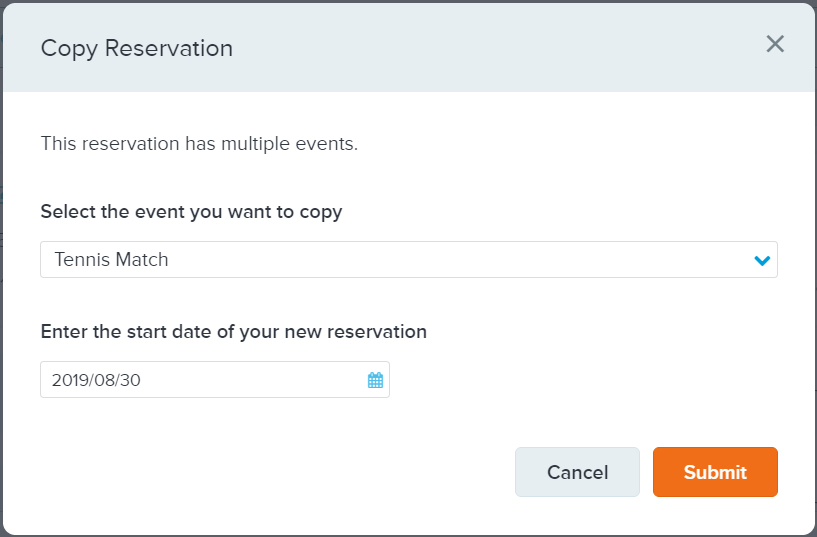
In the Copy Reservation window:
If the reservation has multiple events, then in the event dropdown, select the required event.
If the reservation has only a single event, then the event dropdown is hidden, and this event will be copied.
Select the required start date and click Submit.
The Reservation Information window is automatically prefilled with the selected reservation information.