
If this reservation was reserved using a deposit, then to refund the deposit in the Facility Management module:
On the Front Desk Home > Facility Management - NEW > Reservations > Reservations Detail page, select the required reservation.
On the action tool bar, click the Refund button.
In the Deposits and Fees page > Deposits section, select the required deposit fees for the refund.
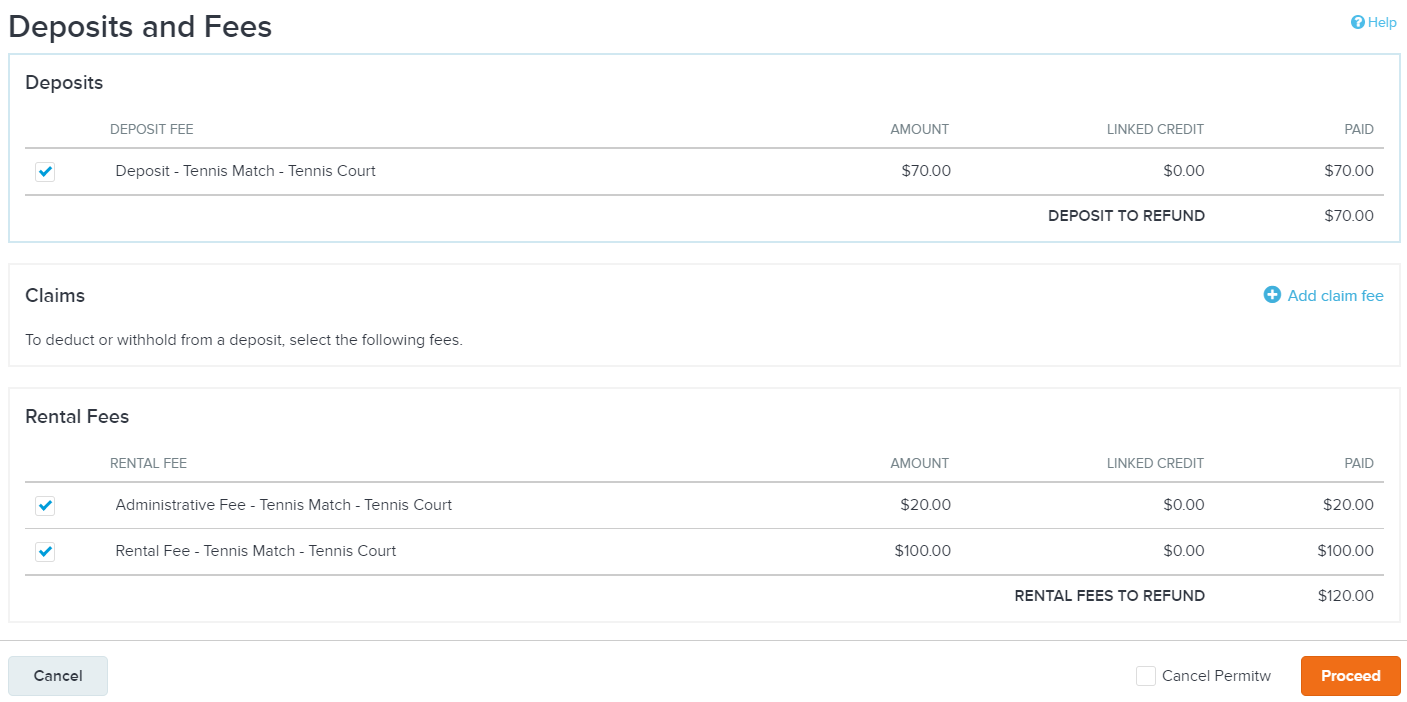
In the Extra fees section, click Add fee to add any fees for the refund transaction (for example, a damage fee).
In the Notes section, enter staff notes and customer notes, if required.
Click the Refund button.
On the Refund page, select the person to receive the refund and the refund method.