
In the Facility Management module, to view or edit payment details for a reservation:
On the Front Desk Home > Facility Management - NEW > Reservations > Reservations Detail page, select the required reservation.
On the action tool bar, click the Payment button.
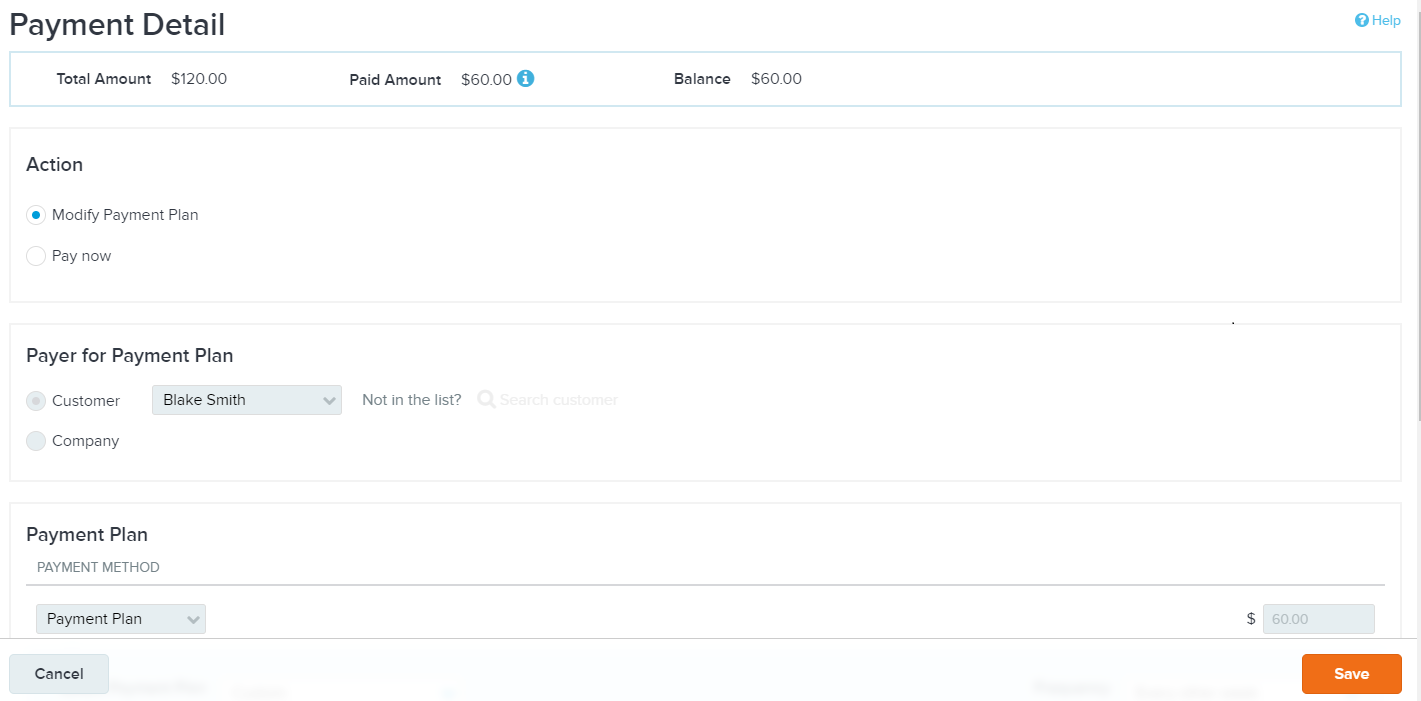
On the Payment Detail page, view and edit payment details. Note that the Payment Detail page only allows changes to unpaid amounts.
For a reservation that was partially or fully paid on a payment plan, you can pay the outstanding balance or edit the payment plan for the customer.
For a reservation that was not paid by payment plan, the Payment Detail page only displays payment details. You cannot edit any payment information.