
To access your shopping cart:
In the Resource Calendar, click the shopping cart icon in the top-right corner.
On the Reservation Detail page, clicking the Next button opens the Shopping Cart page.
Before proceeding to payment, you can manage the items in your shopping cart:
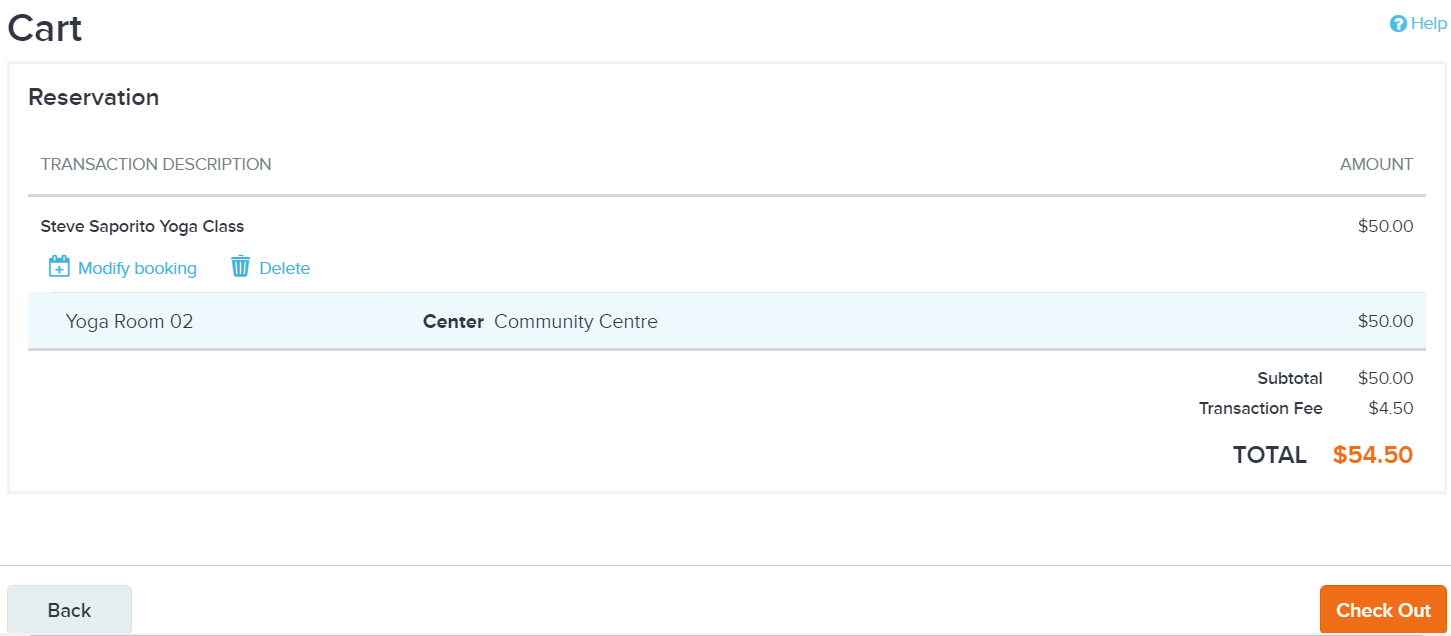
To view and edit reservation details, click the Back button. For more information, refer to Entering reservation details.
To view and edit booking details, click the Modify booking link. For more information, refer to Entering reservation information.
To add another event to your reservation, complete the current reservation and then refer to Editing reservation details.
After you have confirmed your order details, click the Check Out button to proceed to the payment page. To complete your payment, refer to Paying for reservations.